Google · Business Profile
How to publish posts on your Google profile, and what to write in them
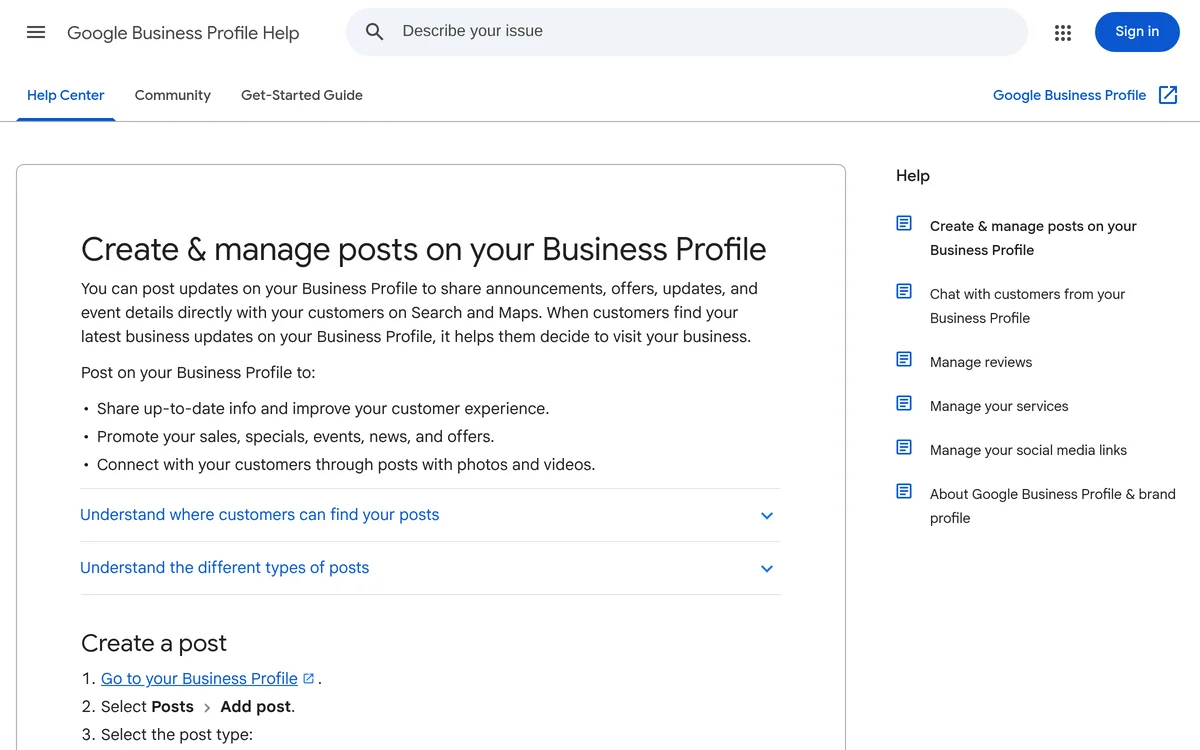
On your Google profile you can publish posts: an update, an offer, an event. They show on Search and Maps, right where a customer is looking at you. Almost nobody uses them, which is a pity: they take ten minutes and tell anyone passing by that the business is alive.
Three kinds of post
- Update: some text, a photo or a video and, if you want, a button with a link, for instance to book, order or learn more.
- Offer: it needs a title and start and end dates. Google adds the "View offer" button itself; you can add a description, photo, coupon code, link and terms.
- Event: it needs a title and start and end dates and times. Without times, Google shows it as lasting the whole day.
How to publish one
- Sign in with the Google account that manages the profile and open the business profile, for instance by searching for its name on Google.
- Select "Posts", then "Add post".
- Pick the type: update, offer or event.
- Add the photo, the text and, if needed, the button.
- To publish it later, turn on "Schedule this post" and pick a day and time. With "Repeats" you can repeat it every week or every month.
- Select "Publish". If you manage several profiles, you can publish it to several locations at once, or "Skip" for just one.
To edit or delete a post: "Posts", then "More" next to the post, and "Edit" or "Delete".
The photos
The profile's photo rules apply: JPG or PNG, between 10 KB and 5 MB, recommended resolution 720 × 720 pixels, minimum 250 × 250. Google wants them in focus, well lit, without heavy filters and without AI retouching: they have to represent reality.
In practice: real photos, taken by you, of the job you just finished, the product, the workshop, the people. Leave some room around the subject, because previews often crop the photo. And no text over the image: the words go in the post.
What gets a post rejected
Google reviews posts after they are published. A post can be live, pending (still uploading, or the profile is not verified) or not approved: next to the status, a question mark tells you which rule it broke. The most common reasons:
- A phone number in the text, and email addresses or social handles too: Google may remove the post if it cannot tie them to the business. To get calls, use the "Call now" button, which goes to the profile's verified number.
- Spelling mistakes, too many symbols or capitals, filler text.
- Links to untrustworthy sites.
- In regulated sectors, such as alcohol, tobacco, pharmaceuticals, gambling, weapons and financial services, you can post, but not about products.
How long they stay
Posts older than six months are archived, unless you set dates, as offers and events have. One post every two or three weeks is enough for anyone opening the profile to find something recent. If your hours, holidays or services change, update the profile's information too: a post does not replace it.
What to write
- A finished job, with the photo and two lines on what you did and for whom (no names, if the client prefers).
- Real news: a new product, an extra service, someone joining the team.
- An event: an evening, an open day, a course.
- An offer with an end date and the terms written plainly.
The first lines are the ones people see: put the important thing there. One post, one thing to do. And write the way you talk to customers, without stuffing it with keywords: it does not help and it reads like spam.
If you would rather not deal with it
We manage our clients' profiles, and we can prepare the posts too, from the photos and news you send us. Ownership of the profile stays with you. How to fill in the rest of the profile is in The Google profile of a business with premises.
Sources
- Create & manage posts on your Business Profile
- Manage your Business Profile photos & videos
- Business Profile photos, videos & posts content policy
Pages checked on 20 October 2026. Google often renames menus and changes procedures: if something does not match, the official page is what counts.