Google · Business Profile
The duplicate profile Google created: how to get it merged into yours
You have your Google profile, verified and looked after. Then, searching for yourself on Maps, you find another one: same name, an old address or a wrong number, maybe a few reviews. You did not open it, and neither did whoever works for you: Google created it. It can be merged into yours, and it pays to do it the right way.
Why Google creates a profile on its own
Profiles are not written only by their owners. Google compiles them from several sources: the web pages it reads, data licensed from other companies and the information Maps users add, for instance a customer reporting a place the map is missing. If something does not match your profile (an old address, the name written differently, another branch's number) a second one can appear. Nobody manages it, and Google shows it anyway.
That is different from the duplicate you, or whoever works for you, create by opening a new profile instead of using the old one: that case is in Two Google profiles for the same business.
How to spot it
Open the profile on Google Maps and look at the About section: if it says "Claim this business", nobody manages it. Then put it next to yours and note what differs: name, address, phone, website, category. You will need it later. Copy both links too (Share, then Copy link).
Why leaving it there costs you
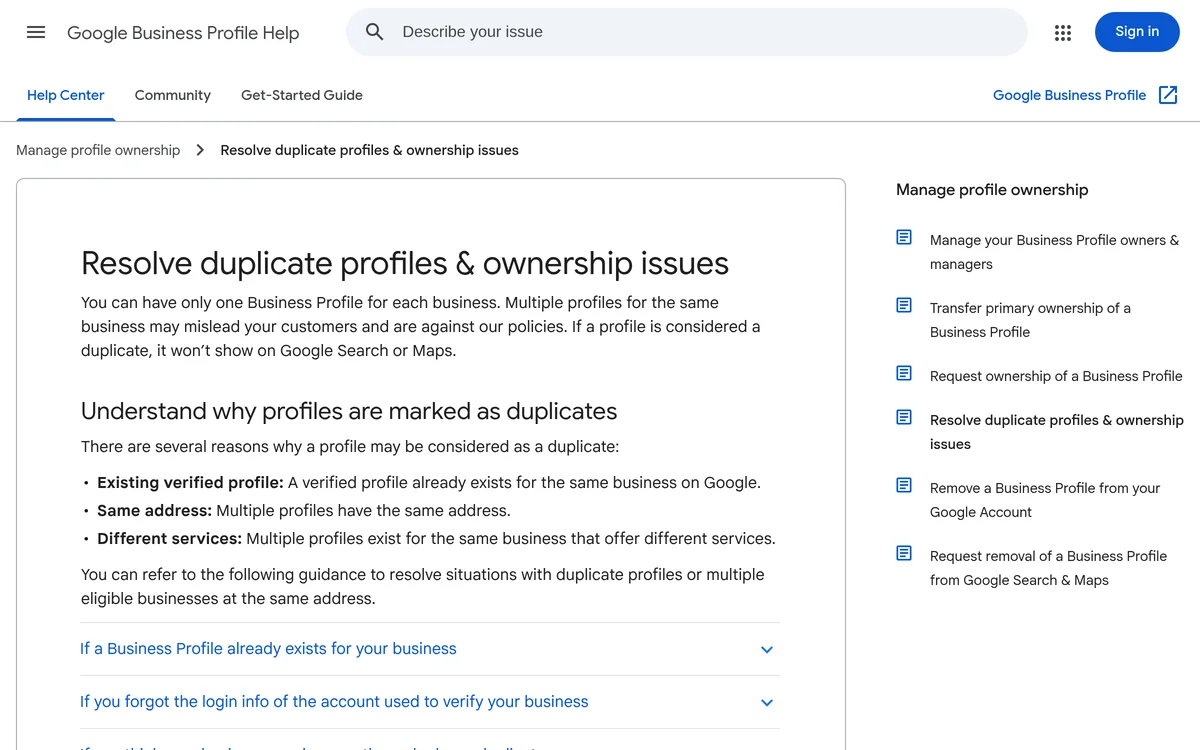
For Google, every business gets one profile: several profiles for the same business may mislead customers, and a profile considered a duplicate does not show on Search or Maps. While the two coexist, though, customers call the old number and the reviews split. And a profile nobody manages is more exposed: anyone can suggest edits, and Google itself warns that unclaimed listings are easier for others to take over.
First: make it match yours
Google merges two profiles only if they represent the same business and carry the same information. So before asking for a merge, use "Suggest an edit" on the profile Google created and fix what you noted: the same name, address, phone and website as yours. Suggested edits are reviewed, which can take a few days.
If the suggestions do not go through, you can claim it: on Maps, "Claim this business", then "Manage now" and one of the verification options offered. Then you fix the details yourself. But do not delete it to save time: deleting a profile removes its content too, and the reviews do not move to yours.
Then: the merge request on Maps
This is the route Google gives: report the duplicate on Maps.
- On Google Maps, open the profile to remove, the one Google created.
- Select "Suggest an edit".
- Choose "Close or remove", then "Duplicate", and point to the right profile, yours.
- Send it.
The labels differ slightly between the Maps website and the app, and Google changes them often, but this is the path. Every request is reviewed. When a merge goes through, the reviews of both profiles are combined, but replies to reviews may be lost: if one matters, save it first.
If nothing happens
The request may be rejected, or simply nothing may happen. Then you write to Business Profile support from your profile: two clear lines, the links to both profiles and what matches (name, address, phone). Sometimes it takes more than one attempt. If two different businesses were merged by mistake, the same support is the way to appeal.
After the merge
Search for yourself on Google and on Maps: there should be one profile, with the reviews of both. Check that your website, social accounts and email signatures point to it. Then look at it once a month, because other people's suggested edits keep coming. How to look after it is in The Google profile of a business with premises. We look after our clients' profiles, merges included, and ownership stays with you.
Sources
- Resolve duplicate profiles & ownership issues
- Add or claim your Business Profile
- Request ownership of a Business Profile
- Understand how Google sources & uses info in Business Profiles
- Help protect your Google Business Profile
Pages checked on 20 October 2026. Google often renames menus and changes procedures: if something does not match, the official page is what counts.